Remote management for your Linux devices
Run commands and scripts, manage packages and watch the health of your Ubuntu devices from one dashboard, without SSH or VPNs. Install the agent with one command; free during the pilot.
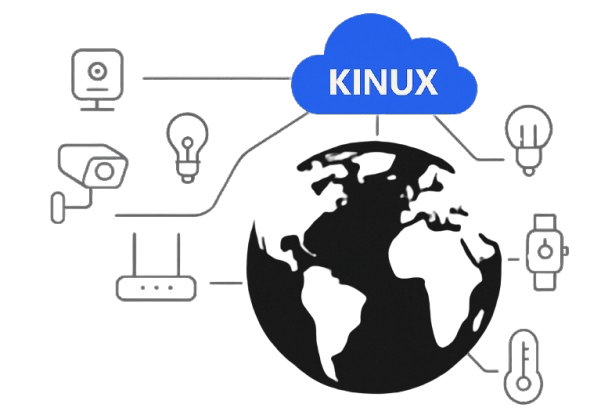
Manage a fleet of Linux devices from your browser
For edge gateways, kiosks, robots and industrial PCs running Ubuntu (x86-64 today; ARM and Raspberry Pi are next). On the roadmap: device groups, phased rollouts and full-system over-the-air updates.
Remote Commands
Run shell commands on any of your devices from the browser and read the output, with no SSH, port forwarding or VPN.
Scripts
Upload a folder with any files (configs, .deb packages, firmware) or start from a template, then run it on one device or many in one click, with parameters. Watch the output live, cancel or re-run; offline devices run it when they come back.
Package Management
See every installed package and its version, and install, update or remove apt packages remotely.
Health Monitoring
Online status, CPU, memory, disk and uptime for each device, plus a one-click ping.
Secure by Design
Devices connect over TLS with their own key, can only reach their own messages, and every account only sees its own devices.
One-Command Install
A standard Debian package for Ubuntu 22.04 and 24.04 runs as a systemd service. The agent updates itself from verified releases.
Frequently asked questions
What is KinuxOTA?
KinuxOTA is a web dashboard for managing Linux devices remotely. A small agent on each device connects to the dashboard, where you can run shell commands and scripts, install, update or remove apt packages, and see each device's health (online status, CPU, memory, disk, uptime).
Which devices and operating systems are supported?
Ubuntu 22.04 and 24.04 on x86-64 (amd64) devices, such as industrial PCs, kiosks, edge gateways and servers. ARM builds (Raspberry Pi and other ARM boards) are next on the roadmap.
How do I connect a device?
Create the device in the dashboard and run the three commands it shows on the device: download the Debian package, install it with apt, and run 'sudo kinuxota enroll --key <your device key>'. The agent starts as a systemd service and the device shows as online within seconds.
Do I need to open ports, set up SSH or a VPN?
No. The agent opens an outgoing encrypted connection to KinuxOTA, so devices behind NAT or firewalls work without inbound ports, SSH access or a VPN.
How is it secured?
Devices connect over TLS with their own key, which is stored only as a hash on the server. Each device can only receive its own messages, and each account only sees and controls its own devices. The agent runs as root so it can manage packages, and it only acts on requests from the device owner's account.
How much does it cost?
KinuxOTA is free during the pilot program, for up to 3 devices per account.
Does KinuxOTA do full-system or firmware over-the-air updates?
Not yet. Today it updates software through apt packages, commands and scripts, and the agent updates itself from verified releases. Device groups, phased rollouts and full-system A/B updates with automatic rollback (through RAUC or SWUpdate) are on the roadmap.